
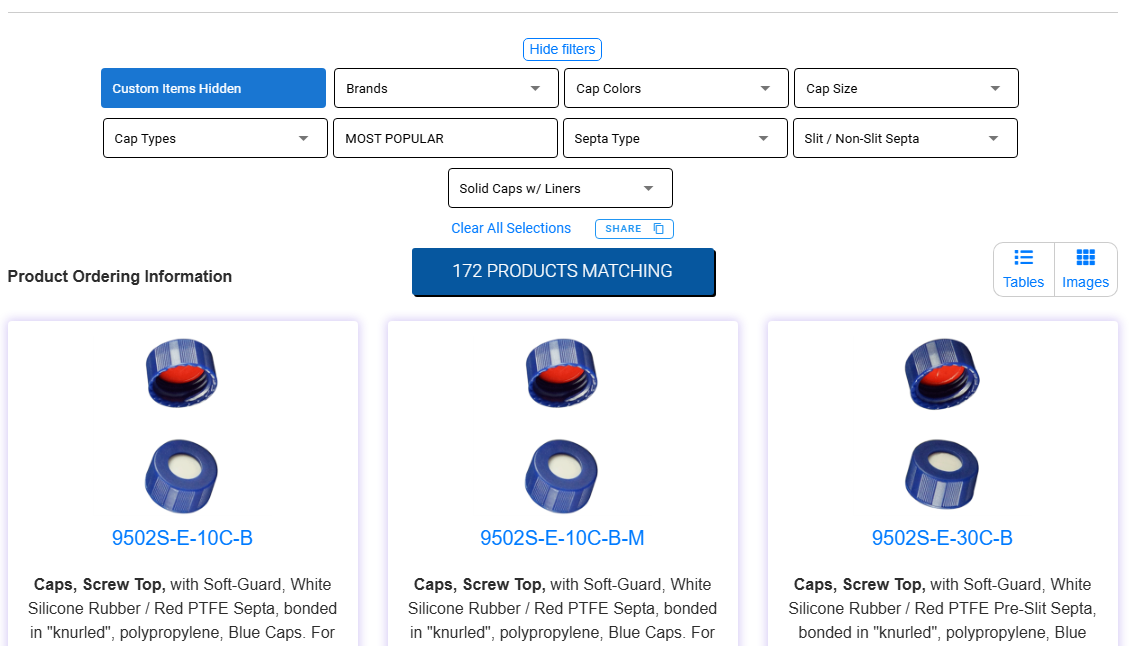
New Filter Feature—Control When You See Special Order Items
When browsing product categories on mtc‑usa.com, you now have more control over what you see with the Special Order Item filter. Located in the filter section on product listing pages, this toggle allows you to hide Special Order Items when you want to focus on standard, regularly stocked products—or include them if you’d like to scroll through all available options, including non‑standard configurations that may require minimum order quantities. If you’d like more information about a specific Special Order Item, simply click into the individual product page and contact Customer Service by email to confirm details such as specifications, lead times, and availability.
Here’s how it works:
-
Navigate to a product category
Select the category you’re browsing, such as vials, closures, or accessories. -
Open the filter panel
Use the filter section on the product page to refine what appears in the results. -
Toggle the “Special Order Item” button
- Enabled: Special Order Items will appear as you scroll through the product list
- Disabled: Only standard, regularly stocked items will be shown